Public API
Programmatically manage Mobile Proxy sub-users, set traffic limits, and track usage statistics with the Public API.
The Public API enables you to manage proxy users programmatically without using the dashboard. You can create, delete, and modify proxy sub-users, set traffic usage limits, and view current and historic traffic usage for Mobile Proxies.
Available paths
Base endpoint: https://residential-api.oxylabs.io/v2
Combine the base endpoint with the path to perform specific actions:
POST
/login
Authenticate to get the access token (JWT).
GET
/users/{userId}/sub-users
Retrieve all active sub-users
POST
/users/{userId}/sub-users
Create a new sub-user.
GET
/users/{userId}/sub-users/{subUserId}
Retrieve traffic usage statistics for a specific sub-user.
PATCH
/users/{userId}/sub-users/{subUserId}
Modify a sub-user.
DELETE
/users/{userId}/sub-users/{subUserId}
Delete a sub-user.
GET
/users/{userId}/sub-users/{subUserId}/target-stats
Retrieve traffic usage statistics per target for a sub-user. Requires you to specify a date (last 30 days available).
GET
/users/{userId}/client-stats
Retrieve total traffic usage for the current month.
How to use the Public API
Log in and generate JWT
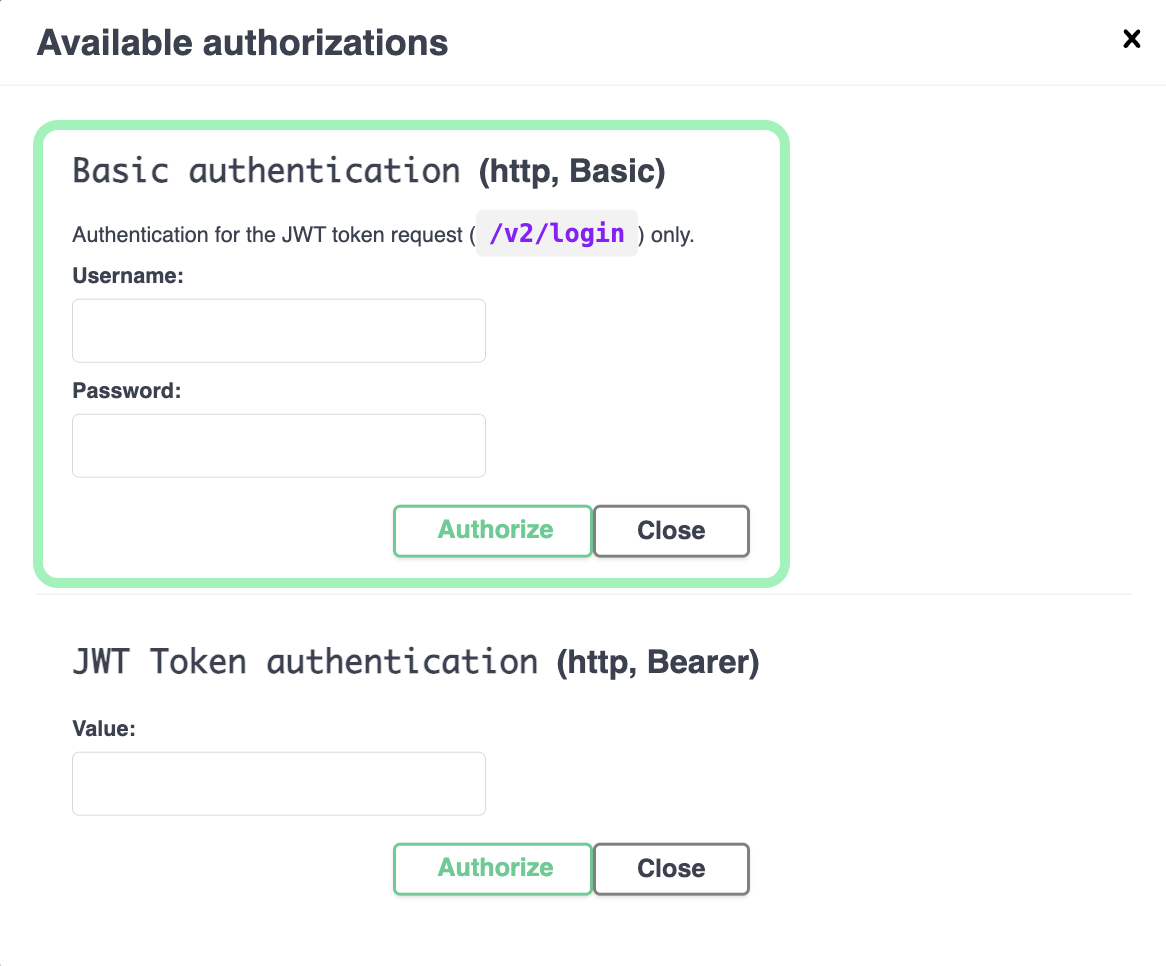
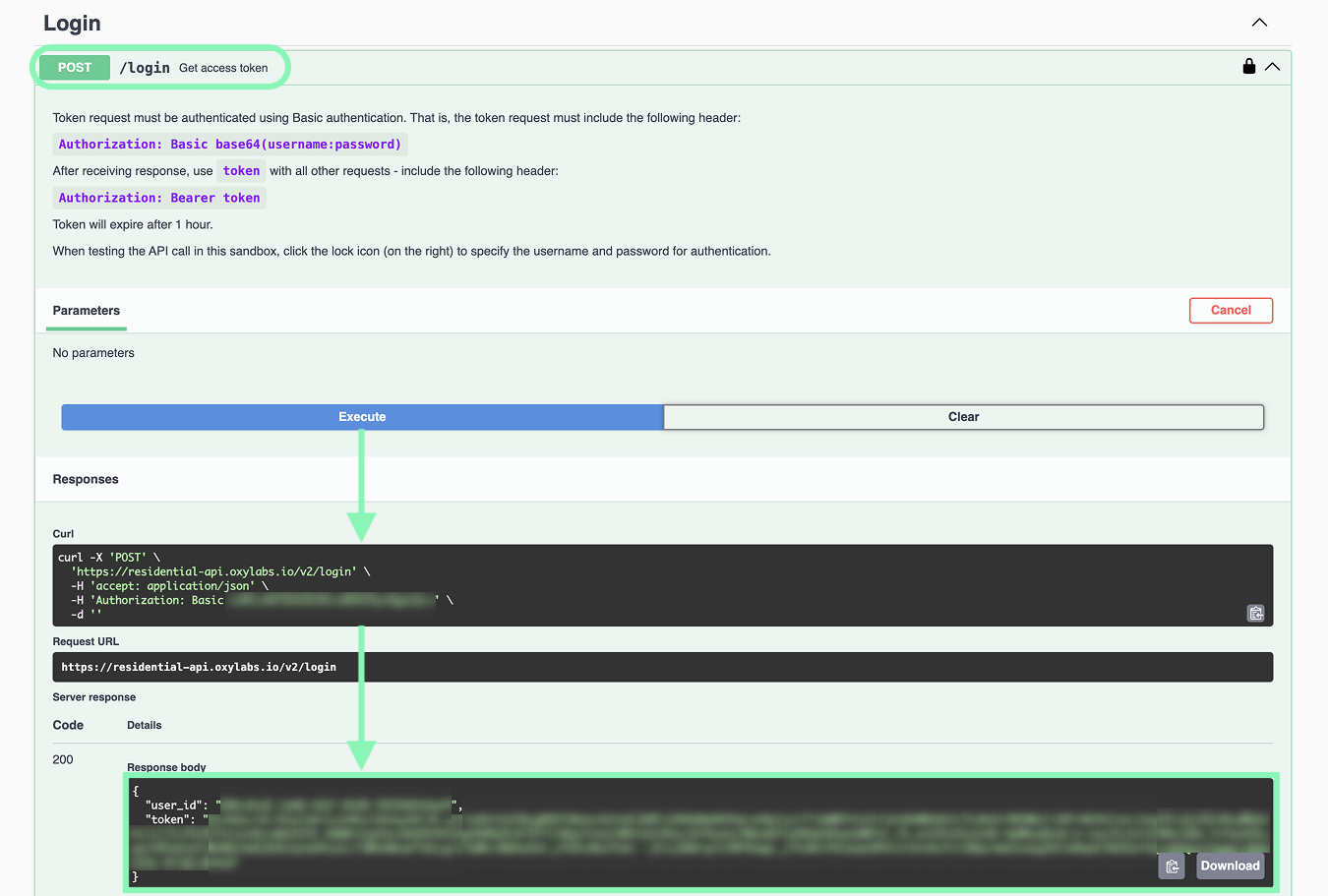
Use Basic Authentication to log in with your main user's credentials (encoded in base64) to receive a JWT token.
Endpoint: https://residential-api.oxylabs.io/v2/login
Header: Authorization: Basic base64(username:password)
curl -X "POST" \
"https://residential-api.oxylabs.io/v2/login" \
-H "accept: application/json" \
-u "USERNAME:PASSWORD"Once executed, the server will respond with two important values required for later steps:
user_idis the unique user identifier required for API requests.tokenis the JSON Web Token (JWT) required for further authorization.
{
"user_id": "00000000-0000-0000-0000-000000000000",
"token": "example token"
}JWT expires in 1 hour. After that, you'll need to generate a new one.
Use the token and user_id with requests
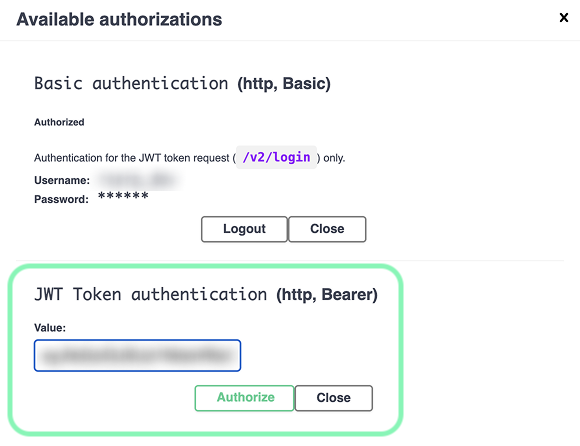
You can now query the API to manage users and check statistics. All subsequent requests require the JWT token and your user_id.
Header: Authorization: Bearer {token}
For example, let's check the total traffic usage for the current month.
curl -X "GET" \
"https://residential-api.oxylabs.io/v2/users/{userId}/client-stats" \
-H "accept: application/json" \
-H "Authorization: Bearer {token}"Backonnect Entry IPs
If you want to use your own backconnect entry node DNS name, you can point your subdomain/domain to our entry node. To do that, you need to add a DNS CNAME record with pr.oxylabs.io as the target. This is how such setup looks on Cloudflare DNS manager for entry subdomain:

For more information, please contact support@oxylabs.io or your account manager.
Was this helpful?