| Parameter | Description | Default Value |
|---|---|---|
| source | Sets the scraper. Use google_search or google_ads. | google_search |
| query | The keyword or phrase to search for. | - |
render | Enables JavaScript rendering when set to html. More info. | - |
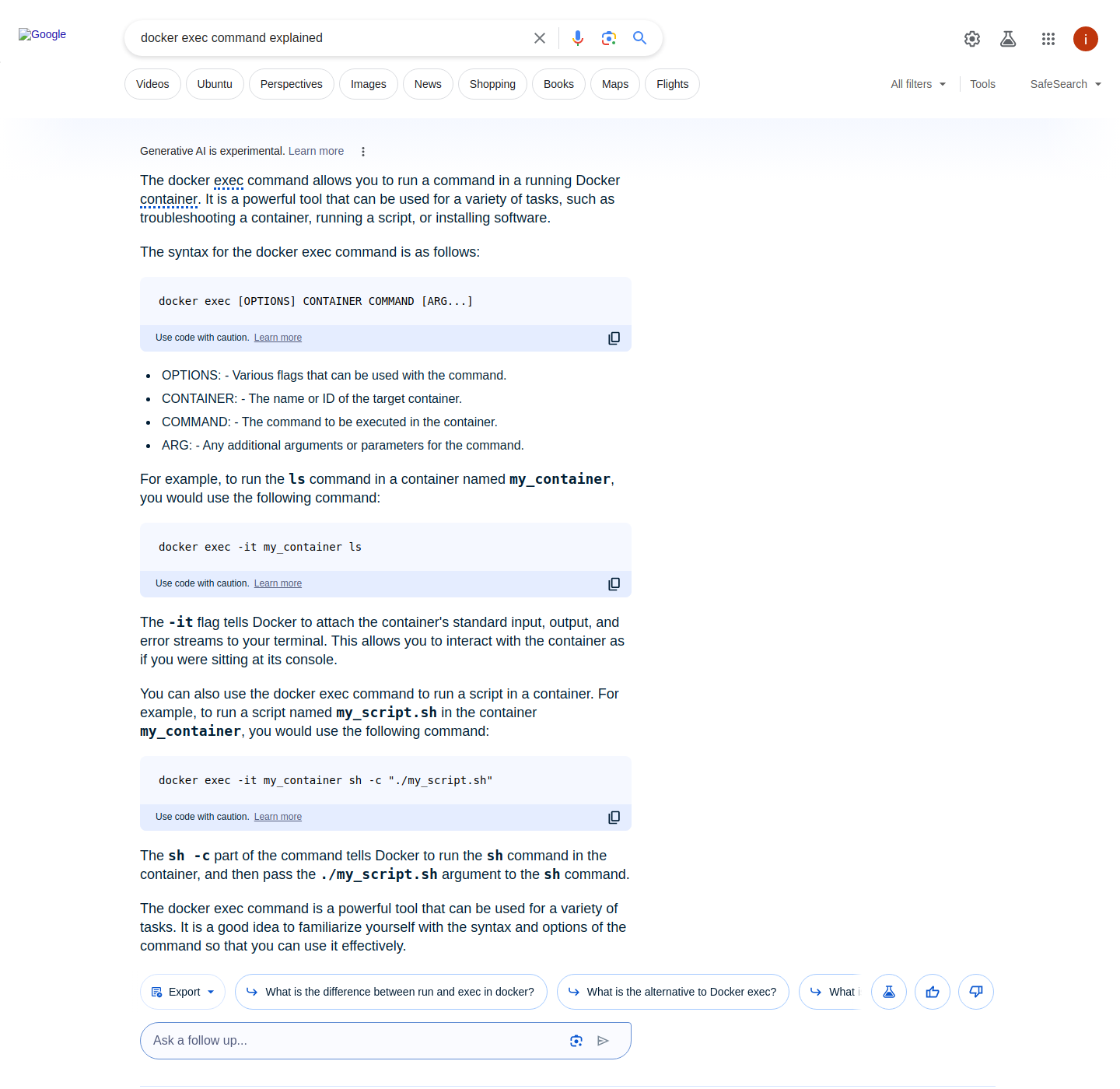
context:expand_aio | Set to true to expand Google AI Overviews (JavaScript rendering enabled). | false |
parse | Returns parsed data when set to true. | false |
callback_url | URL to your callback endpoint. More info | - |
user_agent_type | Device type and browser. Use desktop or mobile. | desktop |
| Parameter | Description | Default Value |
|---|---|---|
geo_location | The geographical location that the result should be adapted for. Using this parameter correctly is extremely important to get the right data. For more information, read about our suggested geo_location parameter structures here. | - |
locale | Accept-Language header value which changes your Google search page web interface language. More info. | - |
| Parameter | Description | Default Value |
|---|---|---|
start_page | Starting page number. | 1 |
pages | Number of pages to retrieve. | 1 |
limit | Number of results to retrieve in each page. | 10 |
context:limit_per_page | Scrape multiple pages using the same IP address and session (cookie set). By specifying the page numbers in a JSON array with the page key and indicating the number of organic results per page using the limit key, you can minimize the chance of seeing overlapping organic results across pages (e.g., the last organic result on the first page being the same as the first organic result on the second page). See example. | - |
| Parameter | Description | Example |
|---|---|---|
page | The number of the page you would like to scrape. Any integer value greater than 0 will work | 1 |
limit | The number of results on the page in question. Any integer value between 1 and 100 (inclusive) will work. | 90 |
| Parameter | Description | Default Value |
|---|---|---|
context:filter | Setting the value of this parameter to 0 lets you see results that would otherwise be excluded due to similarity to other results. | 1 |
context:safe_search | Safe search. Set to true to enable it. | false |
context:udm | udm parameter allows switching between different search tabs, such as images, places, or videos, to customize the type of results displayed. Find the accepted values here. | - |
context:tbm | To-be-matched or tbm parameter. Accepted values are: app, blg, bks, dsc, isch, nws, pts, plcs, rcp, lcl | - |
context:tbs | This parameter is like a container for more obscure Google parameters, like limiting/sorting results by date as well as other filters some of which depend on the tbm parameter (e.g. tbs=app_os:1 is only available with tbm value app). More info here. | - |
| Parameter | Description | Default Value |
|---|---|---|
context:fpstate | Setting the fpstate value to aig will make Google load more apps. This parameter is only useful if used together with the render parameter. | - |
context:nfpr | true will turn off spelling auto-correction | false |
| Key (results.ai_overviews) | Description | Type |
|---|---|---|
answer_text | General information about the Google Search query term. | array |
bullet_list | Indicates information on items rendered in a bulleted list within the AI Overviews SERP feature. | array |
source_panel | A list of sources used to generate AI Overviews result in Google SERP feature. | object |
info_list | A list of information most frequently used to represent steps of a process relevant to the search query. | array |
pos_overall | An indication of the position of the AI Overviews SERP feature result among all available Google SERP results. | integer |
...
"answer_text": [
  {
    "fragments": [
      {
        "text": "Emporio Armani is a luxury brand known for timeless designs.",
        "references": [
          {
            "source": "http://italist.com",
            "url": "https://www.italist.com/magazine/what-is-emporio-armani/"
          }
        ]
      }
    ],
    "pos": 1
  }
]
...
| Key (results.ai_overviews.answer_text) | Description | Type |
|---|---|---|
fragments | A short answer to the Google Search query. | array |
fragments.text | The answer text content of the fragment. | string |
fragments.references | A list of sources referenced by the fragment. | array |
fragments.references.source | The name of the referenced source. | string |
fragments.references.url | The URL of the referenced source. | string |
pos | An indicator denoting the position of a given item among all AI Overviews answer results. | integer |
| Key (results.ai_overviews.bullet_list) | Description | Type |
|---|---|---|
list_title | The title of the bullet list. | string |
points | The items rendered in the bullet list. All items are comma-separated. | array |
points.text | The text content of the bullet point. | string |
points.references | A list of sources referenced by the bullet point (optional). | array |
pos | An indicator denoting the position of a given item among all AI Overviews bullet list results. | integer |
| Key (results.ai_overviews.source_panel) | Description | Type |
|---|---|---|
items | A list of sources used to generate AI Overviews result in Google SERP feature. | object |
items.url | The URL of the website. | string |
items.source | The name of the website. | string |
items.title | The title of the article. | string |
items.pos | An indicator denoting the position of a given item among all AI Overviews source panel results. | integer |
| Key (results.ai_overviews.info_list) | Description | Type |
|---|---|---|
list_title | The title of the list. | string |
list_items | Contains a list of items with their respective details. | array |
list_items.title | The title of the section within the list. | string |
list_items.content | A short description of the section. | array |
list_item.pos | An indicator denoting the position of a given item among all AI Overviews Info list results. | integer |
| Key (results.ai_overviews.answer_text) | Description | Type |
|---|---|---|
fragments | Google Search query answer fragment in plain text. | array of strings |
pos | An indicator denoting the position of the item in the Overview answer. | integer |